Scene first. Identity second.
How a twin is built so it stays itself across hundreds of images, and the tools that come with it so your team keeps producing without me.
Scene first. Identity second.
The character never depends on the scene, and the scene never depends on the character. That separation is what keeps the identity stable at volume.



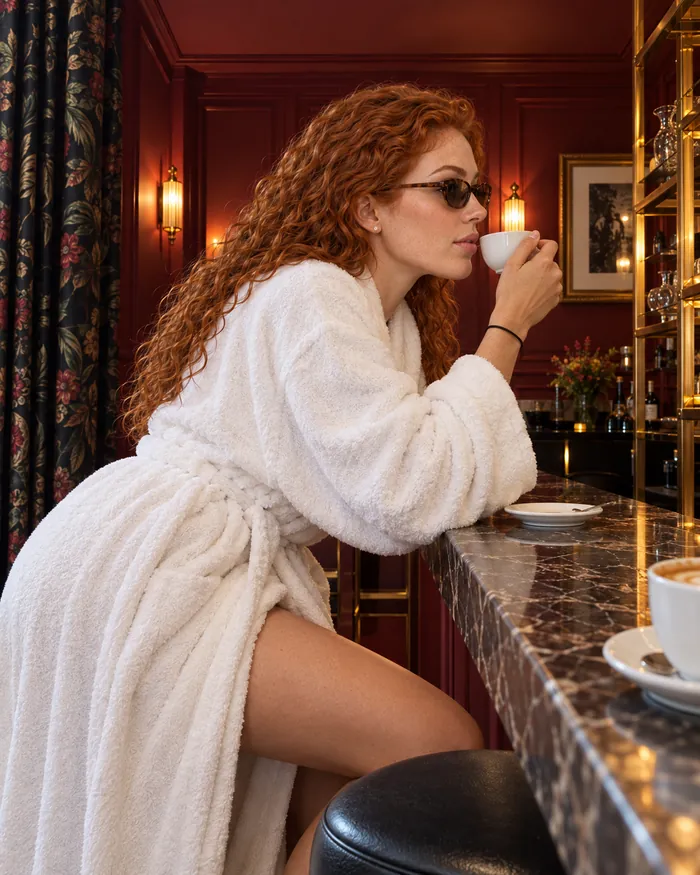


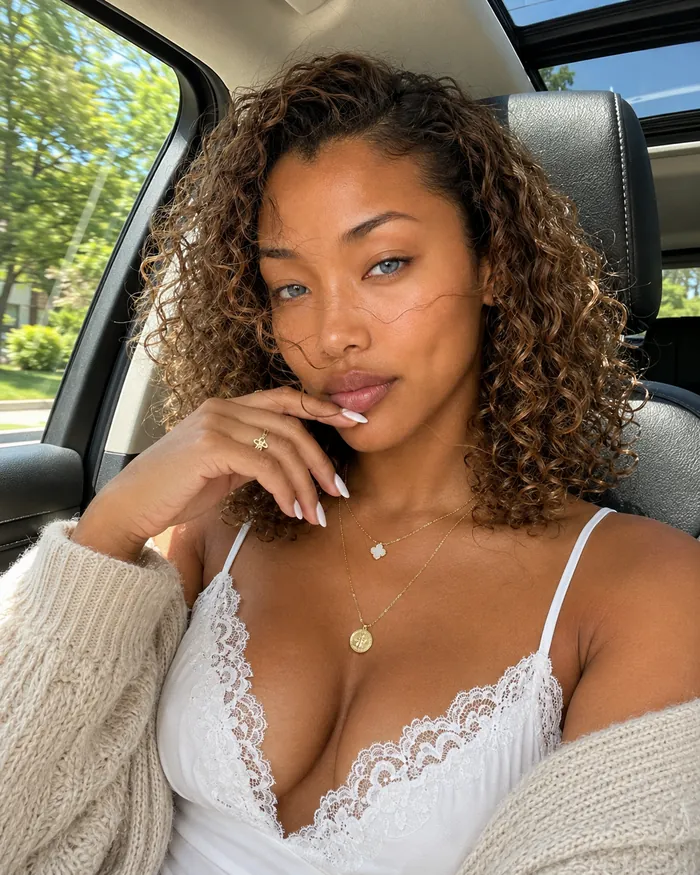
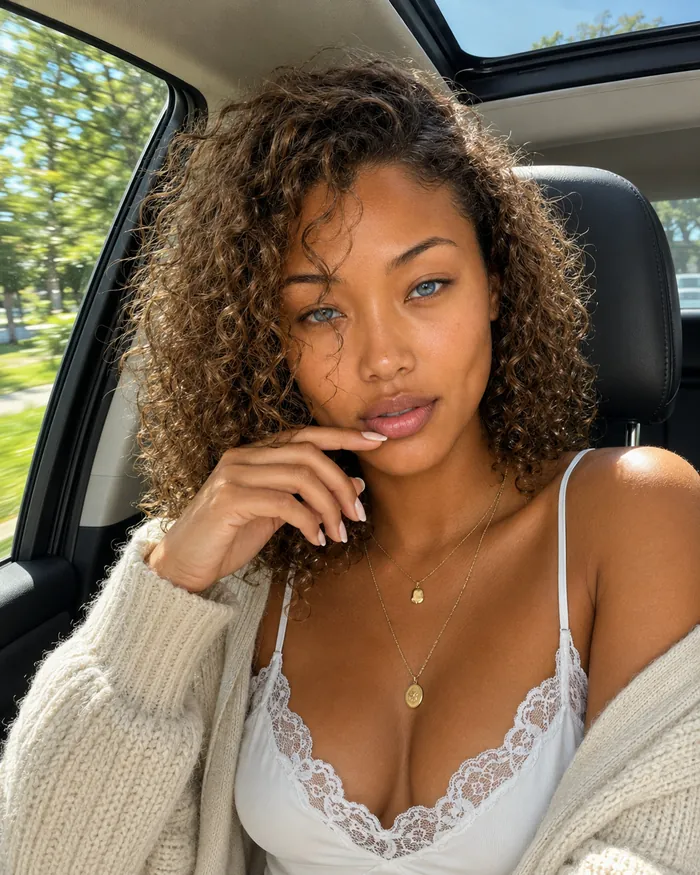
Document the identity
Face, body, skin, hair and distinctive traits written down once, versioned, never overwritten.
Create at least 19 reference views
Useful angles and details are created and checked to guide production. Additional views may be added depending on the subject. Originals and lighting-cleanup variants remain separate.
Build the scene
A generic base validates composition, light and outfit with a temporary person. No identity yet.
Apply and iterate
The identity is applied from the reference views and checked against the bible until approved. Every step is archived with its prompt.
Tools, not just files.
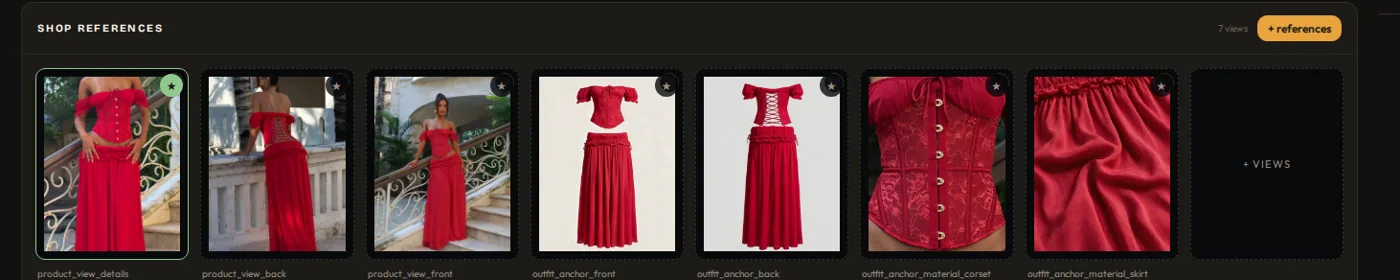
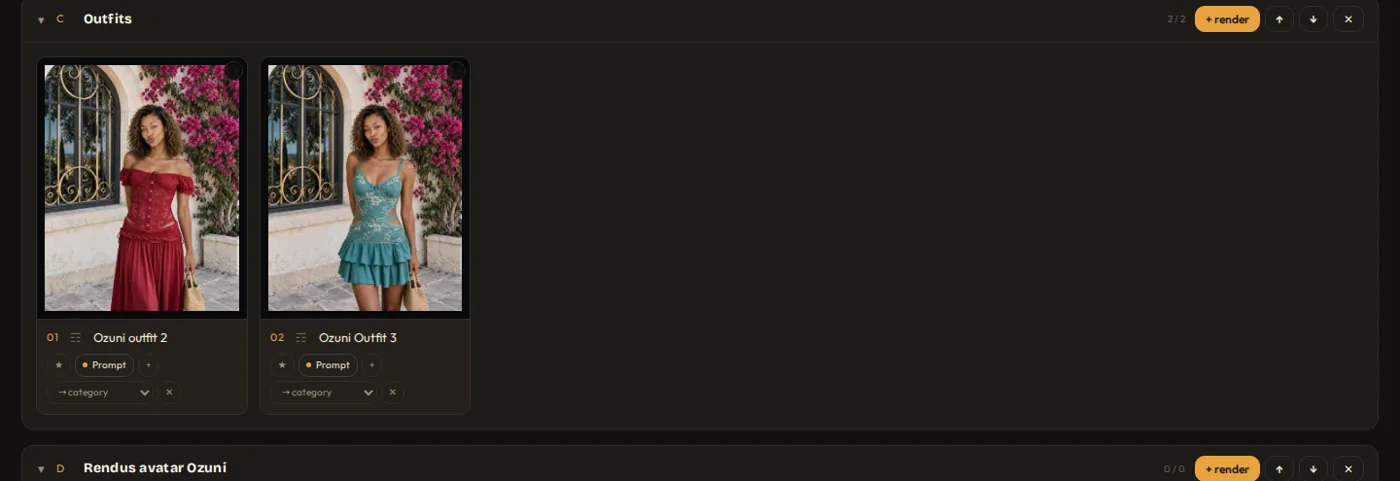
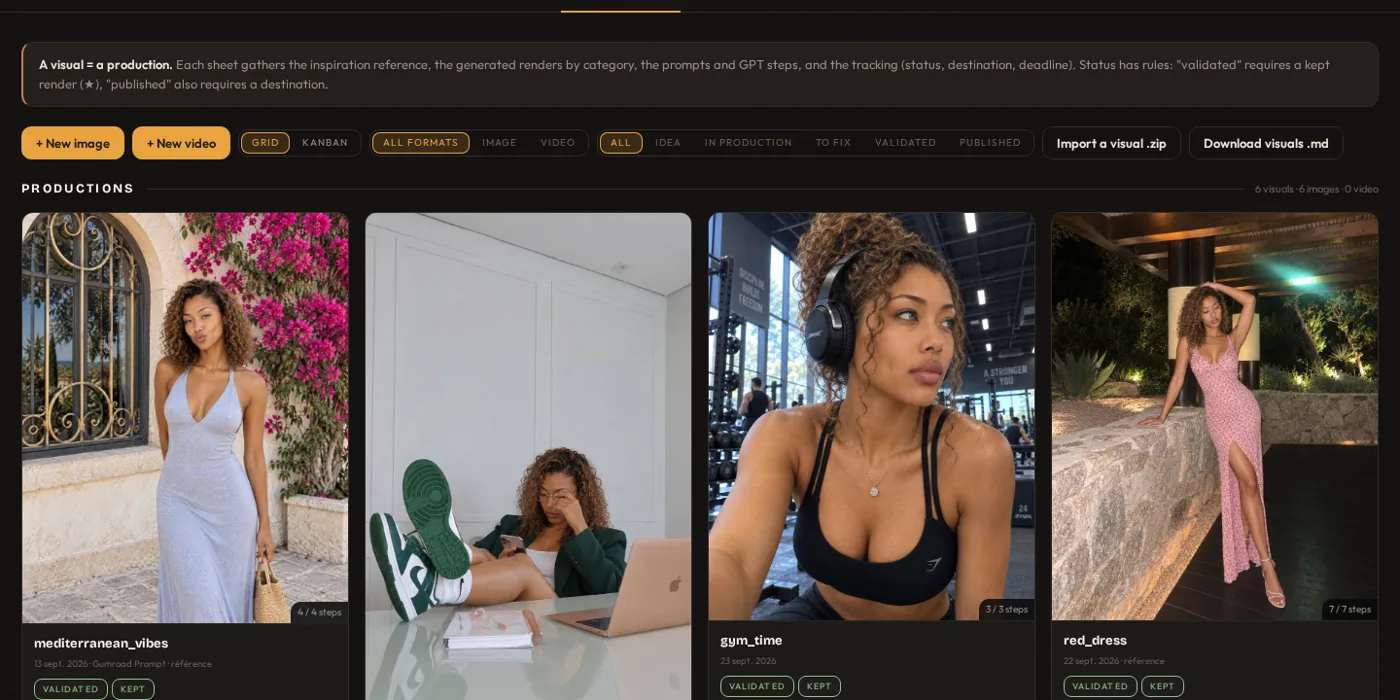
A character is not a folder of images, it is a system you keep producing with. Every package ships with the Avatar Anchor Deck, the production workspace I use myself, configured for your character: a single HTML file, no server, no account, FR · EN · ES.
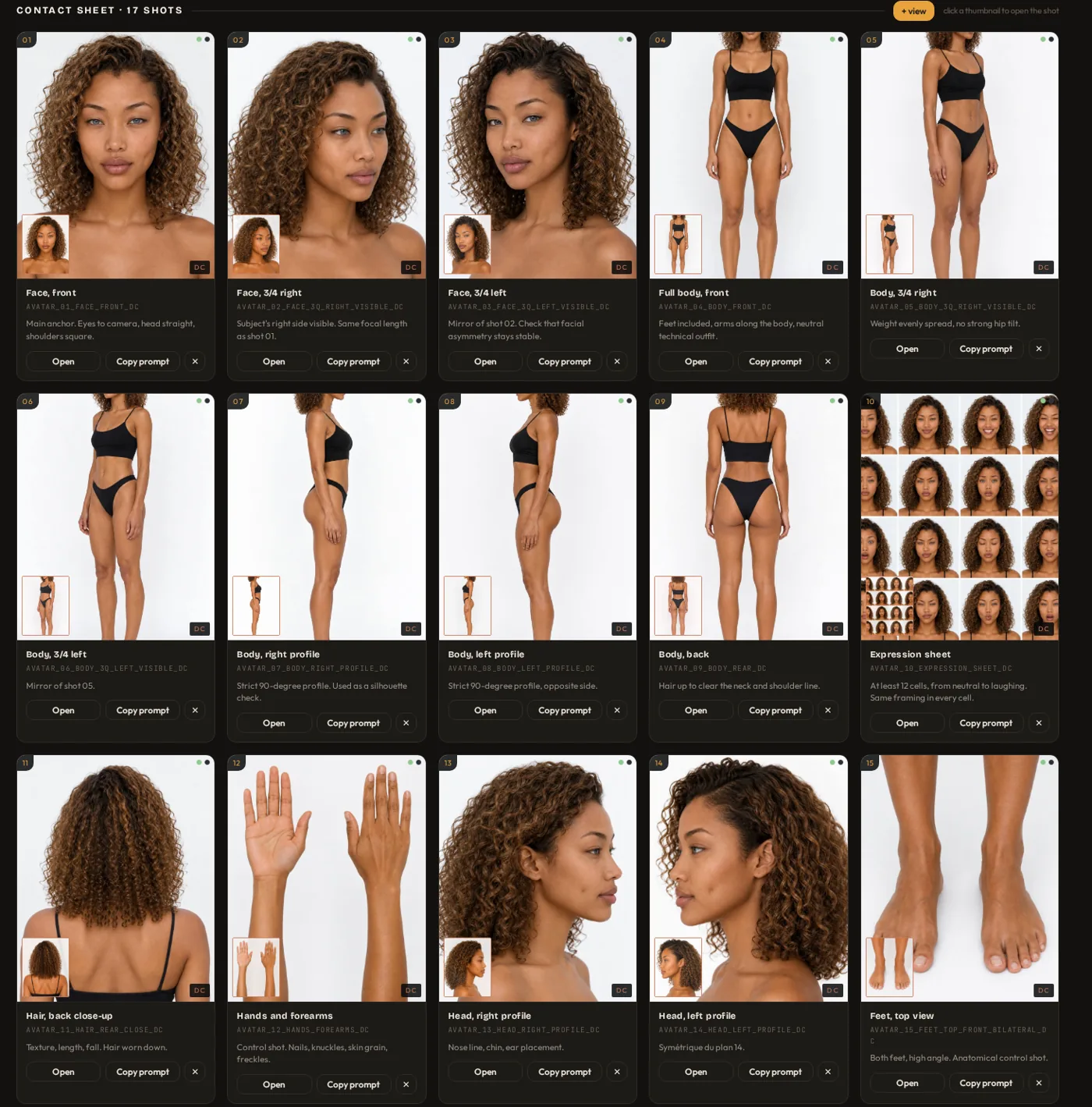
What it holds
The versioned identity sheet, a library of at least 19 reference views, location and outfit references, and saved productions with their renders and prompts. Originals and lighting-cleanup variants are separate.
How your team uses it
Open the file, pick a visual, read its status and next action. Guided mode walks a newcomer through the order of production; advanced mode gives a power user every field. Search across everything.
What you keep
The deck itself and a .zip export with a plain folder structure, readable without the tool: DNA in Markdown, images by view, one folder per visual with its sheet. Your production continues with or without me.
See what you receive.
Identity sheet, at least 19 reference views, consistency checks and the deliverables included in your package.
Atelier creates the references, visuals and tools included in your package. Prefer to create and organise your avatar and productions yourself? Avatar Home Studio combines Foundation and Visual Kit for this DIY workflow.
Discover Avatar Home Studio