Create an avatar
Define its appearance, create reference views and build a consistent foundation with Avatar Foundation.
Do you share AI tutorials, demonstrations or discoveries? Introduce your audience to a complete workflow for creating an avatar, organising its references and producing new visuals in ChatGPT.
30% commission on eligible sales attributed to your affiliate link.
AI images and avatars · Video creation · FR / EN / ES · Windows and Mac
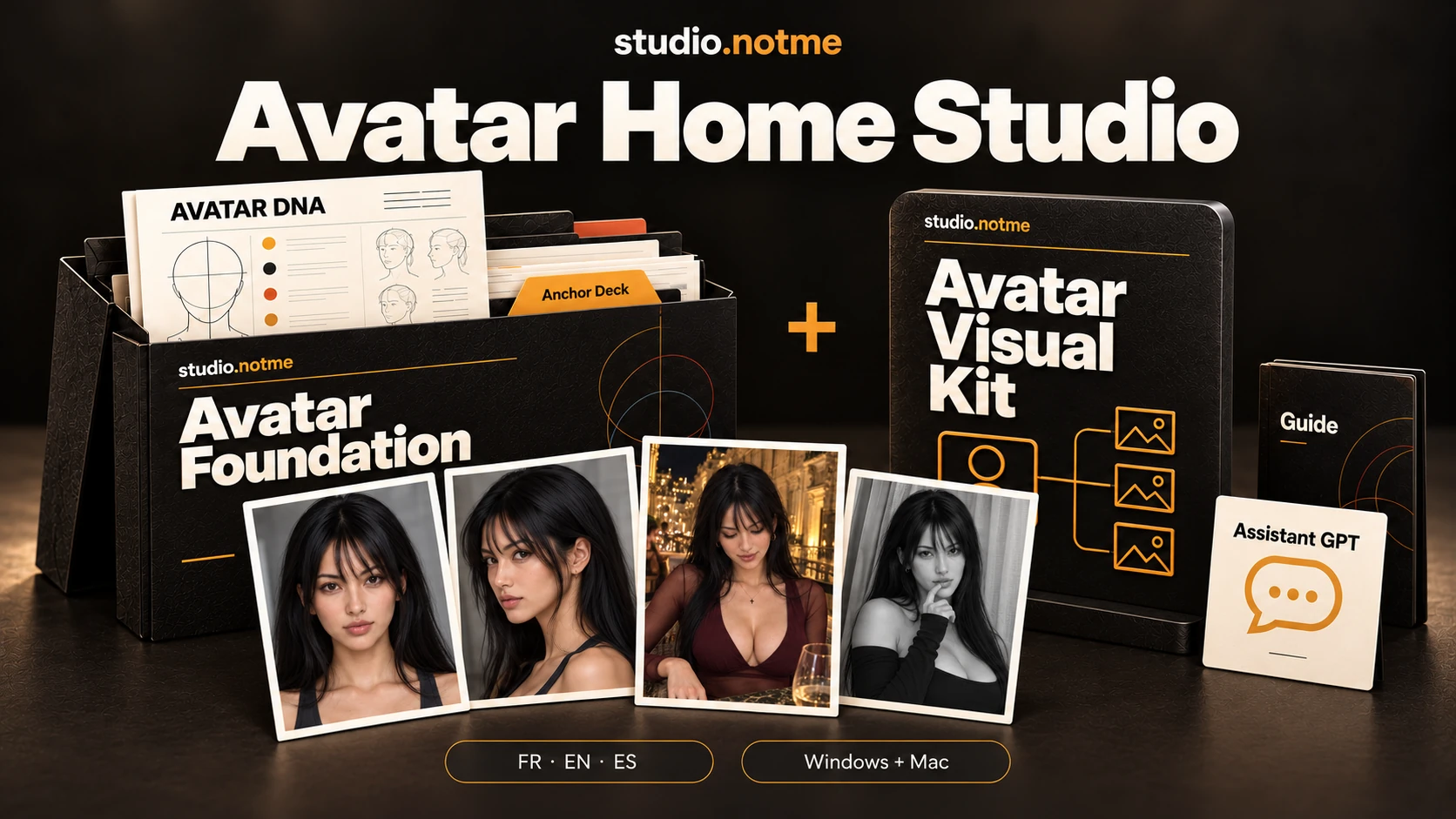
A recognisable identity, new scenes and references ready to find again for future projects.
Define its appearance, create reference views and build a consistent foundation with Avatar Foundation.
Prepare a personalised plugin with Visual Kit to turn an idea or inspiration into a prompt tailored to the avatar.
Build series, prepare social media visuals and use images as starting points in compatible video tools.
Video tools and external services, their potential costs and terms remain separate from the packs.
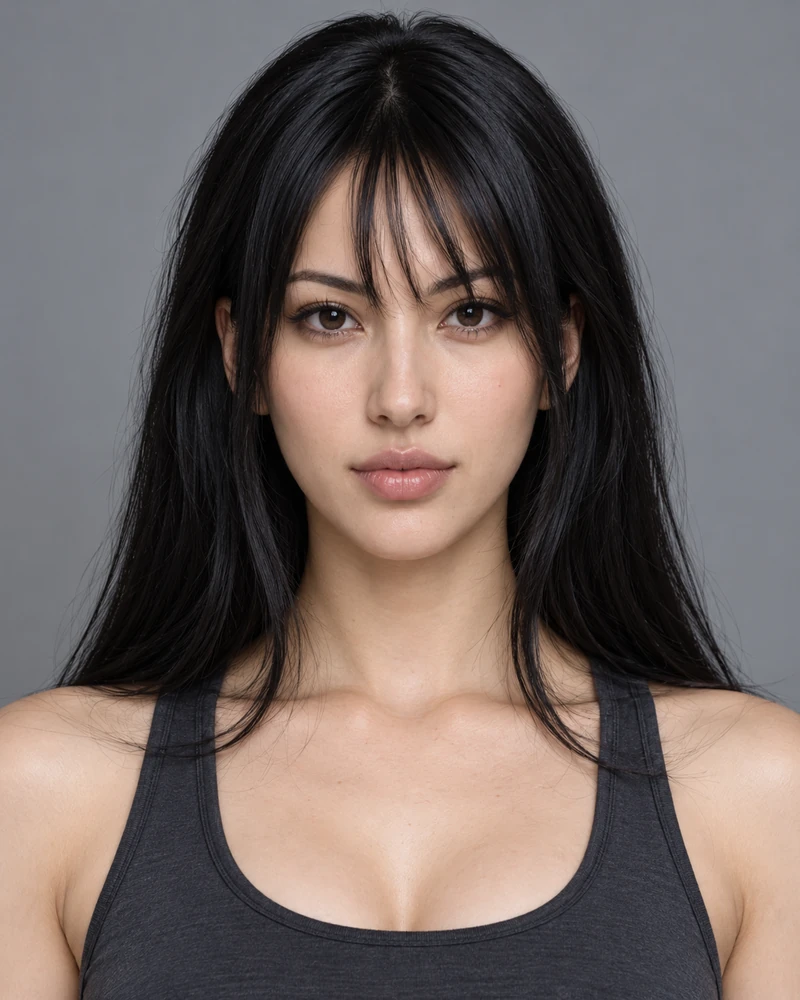
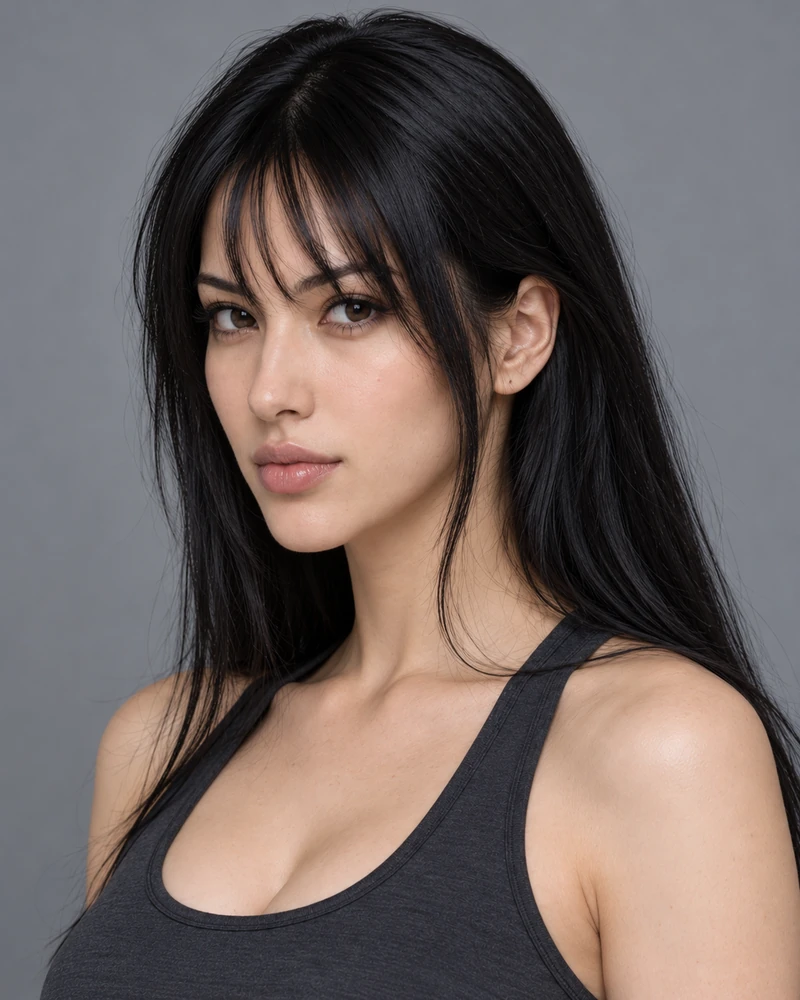
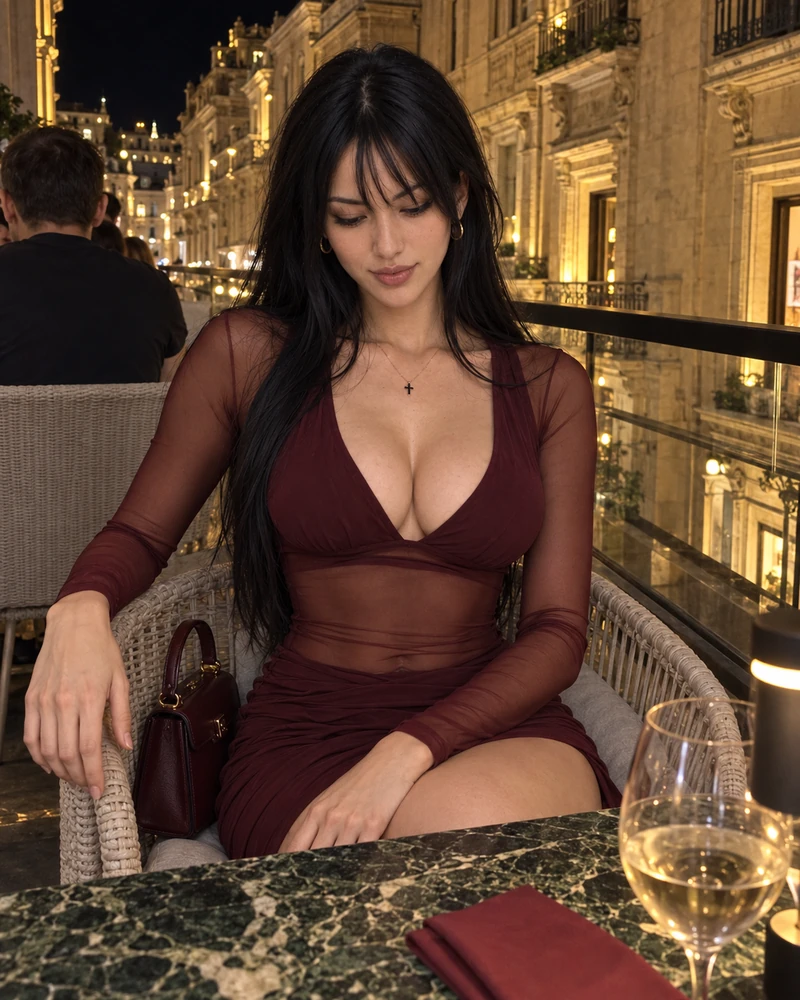

These images are examples, not avatars supplied as a buyer’s personalised identity. Results require human review.
Create, approve and organise avatar references in Anchor Deck. Guide, GPT guidance and workflow in FR, EN and ES, for Windows and Mac.
Prepare the creation of a personalised plugin to produce with an existing avatar. Visual Kit does not work on its own: it is purchased as a complement to Avatar Foundation and requires a prepared Anchor Deck.
The bundle combining Foundation and Visual Kit, covering the journey from avatar creation to visual production.
To enable attribution, share your personal affiliate link, rather than just the website address or a product page without an affiliate identifier.
Are you a content creator interested in joining the affiliate programme? Contact us with the exact phrase “affiliation partenaire” to receive a unique code for 50% off Avatar Home Studio.
Request my partner codeInclude “affiliation partenaire” and add a link to your channel, account or website to introduce your content.
Content creators who cover image generation, AI avatars, video generation and, more broadly, AI-generated visual creation. General AI creators can also join if these uses interest their audience.
The rate is 30% on eligible sales attributed to your affiliate link. Gumroad calculates commissions and applies its fee and adjustment rules. The net amount paid can therefore differ from simply calculating 30% of the displayed price.
Yes, you can dedicate content to it, but explicitly state that it does not work on its own. Visual Kit is purchased as a complement to Avatar Foundation and requires Anchor Deck prepared with the avatar’s references and information. For someone starting from scratch, introduce Foundation followed by Visual Kit, or the Avatar Home Studio bundle combining both packs.
Yes. If you are a content creator interested in joining the affiliate programme, contact us with “affiliation partenaire” to receive a unique code for 50% off Avatar Home Studio.
Follow the instructions on the Gumroad signup page. Once your affiliation is active, get your personal links from your Gumroad account. Use these links in your content to enable sales attribution.
Gumroad pays commissions under the terms applicable to your account and country. Check your Gumroad account for your balance and payout information.
Gumroad cancels or adjusts the associated commission in accordance with its rules.
Yes. Clearly tell your audience that you may receive a commission, following the rules applicable to your content and publishing platform.
Yes. You can show how produced images serve as starting images or references for compatible video tools. Explain that video generation itself, its tools and potential costs are not included in the packs.
From starting references to new scenes: share a practical workflow and earn 30% commission on eligible sales attributed to your link.
Signup, sales attribution, commission calculation and payouts are managed on Gumroad under its terms. No income is guaranteed.